Tales of Eternia Remastered Japanese Voice Options and Audio Settings
Discover how Tales of Eternia Remastered handles Japanese voice options, new English localization, and audio settings across modern gaming platforms.
Published: Tales of Eternia Remastered Wiki Editorial Team
Table of Contents
Understanding the Audio and Voice Options in Tales of Eternia Remastered
When diving into classic JRPGs ported or remastered for modern hardware, audio preferences matter deeply to longtime fans and newcomers alike. For those exploring the features of the Tales of Eternia Remastered Steam Page, understanding how the game manages its soundscapes, voice acting, and localization provides a clearer picture of what to expect upon release. Bandai Namco Entertainment Europe has structured this edition to balance nostalgic fidelity with modern audio updates.
Rather than locking players into a single audio configuration, the remaster incorporates flexible audio settings. According to community reports and official breakdowns, players can toggle graphics and sound settings directly. This means you can transition smoothly between original sound setups and modern enhancements depending on your preference for the classic tone or updated presentation.
The New English Localization and Voice Cast
One of the most notable features discussed within the player community is the inclusion of a brand-new English localization. Previous western releases of this beloved action RPG faced historical hurdles, including unreleased media projects and licensing roadblocks that kept certain iterations out of players' hands.
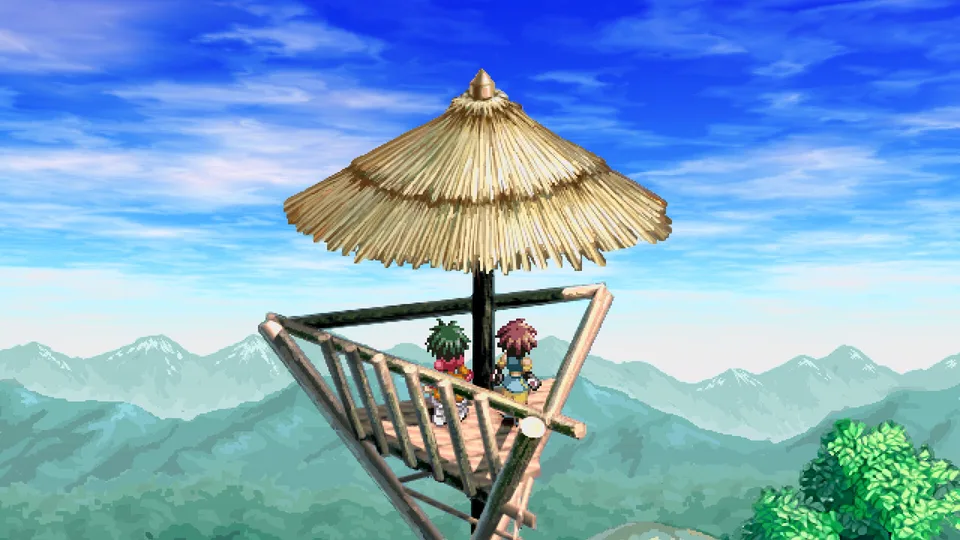
This modern remaster changes course by commissioning an entirely new English translation and a fresh English dub. Community feedback highlights that this is a full recast. While specific actor credits and full roster details remain fluid or subject to ongoing updates from official channels, the effort signifies a genuine overhaul for western audiences who want a fresh narrative delivery while following Reid Hershel and Farah Oersted across the divided worlds of Inferia and Celestia.
Tip
When exploring different language options or deciding between audio tracks, check the in-game settings menu immediately upon starting your playthrough to configure subtitles and voice toggles to your preferred language style.
Managing Audio Settings and Quality-of-Life Audio Features
Beyond dub choices, the technical foundation of the remaster ensures that sound mixing supports the fast-paced 2D battles governed by the Aggressive Linear Motion Battle System. Dynamic combat featuring powerful Artes and party coordination requires clear audio cues to time attacks and execute combos efficiently.
Here is a breakdown of what players should consider regarding the audio and presentation suite:
Original vs. Remastered Toggle: Easily switch sound and graphical parameters to match your nostalgia level.
Sound Effects Clarity: Enhanced audio mixing ensures that spellcasting, blade strikes, and enemy telegraphs cut through the background score cleanly during chaotic encounters.
Musical Score Presentation: Relive the epic journey with crisp orchestration that supports the dramatic weight of the looming "Grand Fall" storyline.
Platform-Specific Audio and Technical Considerations
When playing on PC via Steam or modern consoles like the PlayStation 5, Xbox Series X|S, and Nintendo Switch systems, audio performance remains stable, though players should always verify their system default sound settings—especially when utilizing surround sound systems or high-end headsets.
Community reports note that physical and digital versions across platforms maintain consistent localization assets, ensuring that players importing editions or buying locally receive the same comprehensive language suites. Whether you are experiencing the journey of Reid and Farah for the first time or revisiting a classic from your portable gaming days, taking advantage of the audio toggle features ensures your playthrough sounds precisely the way you want it to.